

The AI Assistant Sees and Refines Its Campaign Pages on Every Screen

Product version
16.10.13Date
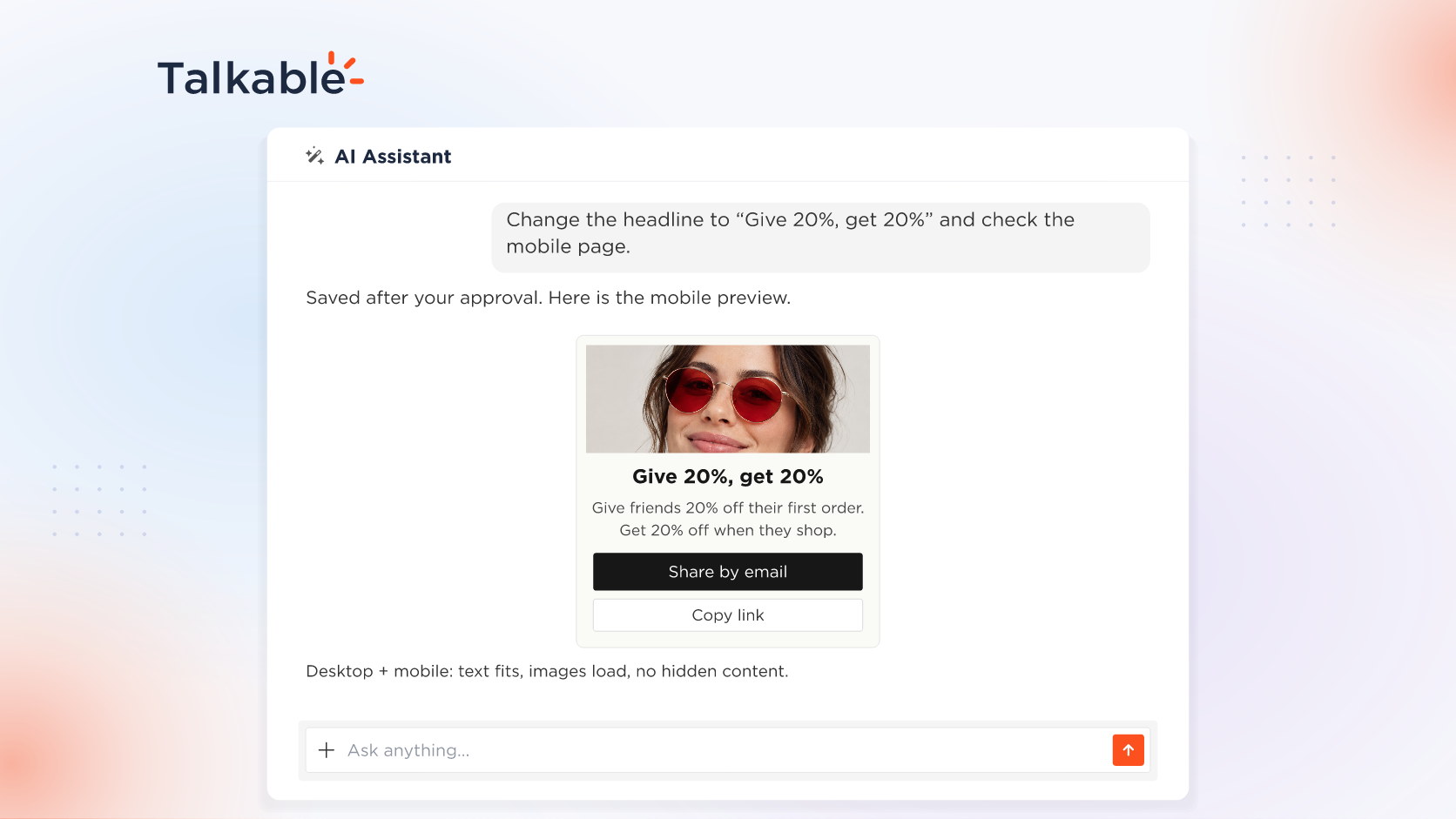
With this update, the AI Assistant sees the campaign pages and emails it builds, the way your customers will, on desktop, tablet, and mobile, and checks its own work before it says done.
When the assistant builds a campaign with you, each page and email it touches is one your advocates and friends will open on their own screens. Before a launch, your team wants the friend claim page on a phone and a new headline in place, and the assistant brings both into the conversation.
Here’s what’s new:
- See any page or email on any screen. Ask for any campaign page on desktop, tablet, or mobile, or for a campaign email. The assistant renders it with sample data, shows the picture in chat, and describes what is on it. It can open a form or fill a field before it looks.
- Checks and refines its own work. After an edit, the assistant tests the proposed change, then checks the saved page on desktop and mobile for rendering errors, blank values, overflow, broken images, and hidden text. Where a screen needs an adjustment, it makes it and retests, up to three rounds, then tells you what still needs your decision.
- Proof in the reply. The reply says what the assistant tested and the result, with a screenshot of the saved page.
- Your store stays untouched. Pages render with sample data from Talkable’s own campaign preview, never on your live store.
Try: “Change the share page headline to ‘Give 20%, get 20%’ and show me how it reads on mobile.”
With the AI Assistant, the campaign pages it builds with you are seen and checked on desktop and mobile before anyone approves going live.
For setup details, see the Building campaigns with AI documentation.