

Introducing the Brand Layer for Your Referral Campaigns

Product version
16.07.17Date
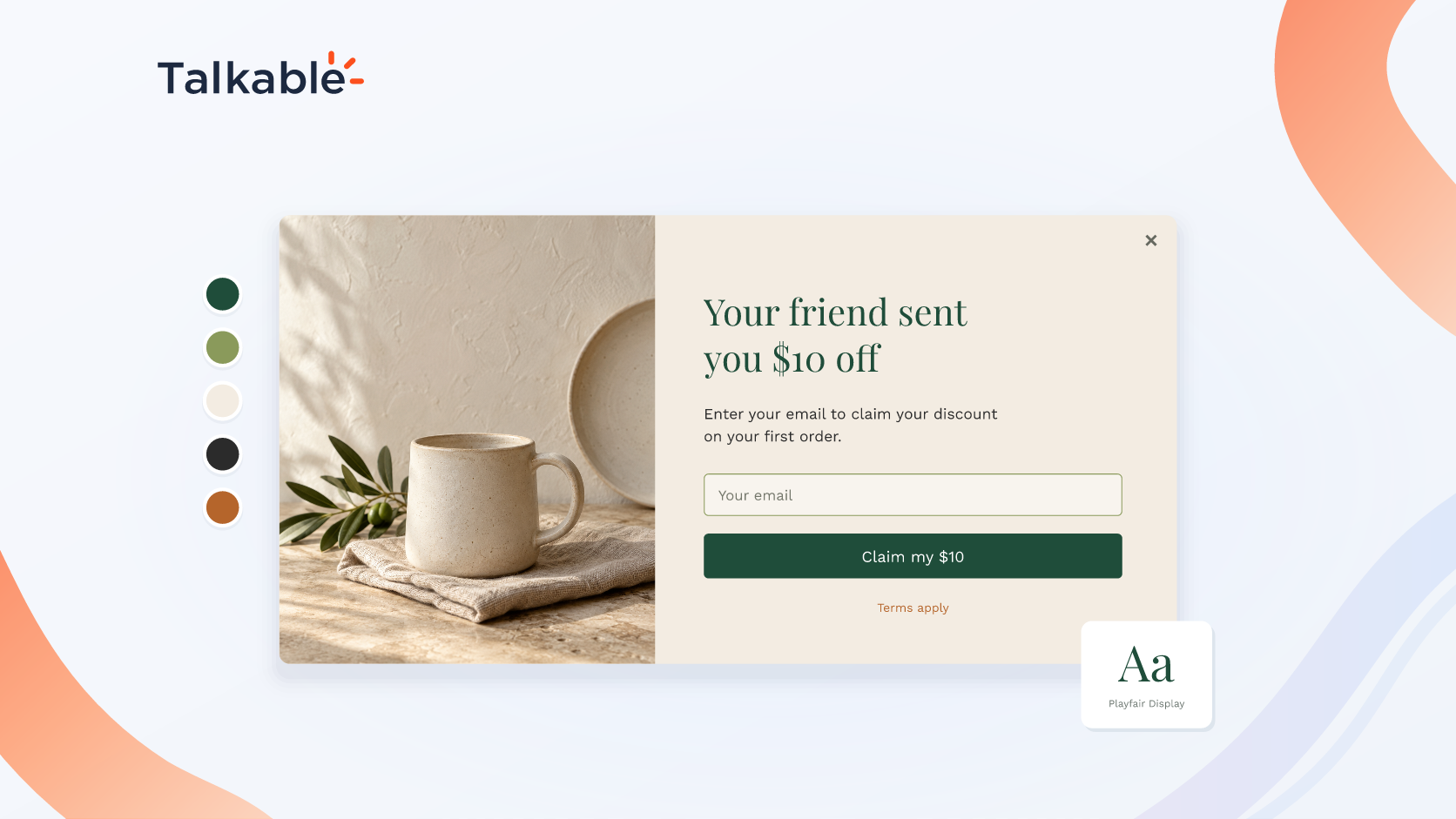
We’ve introduced the brand layer for your Talkable referral campaigns. Your site gets one brand profile with its colors, button style, and fonts. New campaigns built from Talkable presets inherit it, whether your team or the AI Assistant builds them, and stay in step as your brand changes.
A referral program appears in many places, from the advocate share page to the friend claim popup and the post-purchase offer. In campaigns built on the brand layer, all of these take their colors, buttons, and fonts from one profile, so they look like your store and follow your brand as it evolves.
Here’s what you can do:
- One brand profile per site. Five colors (primary, secondary, background, text, and link), button colors and corner radius, and heading and body fonts, including popular Google Fonts or fonts you upload.
- Inherited by new preset campaigns. Campaigns built from Talkable presets, by your team or by the AI Assistant, use the profile and keep following it as it changes. A color or font set by hand in the Easy Editor stays as you set it for that campaign.
- Preview before you save. Check a brand change on a campaign’s preview first, while the live campaign stays as it is.
The brand layer works hand in hand with campaign building in the AI Assistant: describe a campaign to the assistant, and the campaign it builds from a Talkable preset comes out in your brand.
With the brand layer, the campaigns built from Talkable presets stay recognizably yours, from the first draft to your next brand refresh.
For setup details, see the Talkable AI documentation.