


















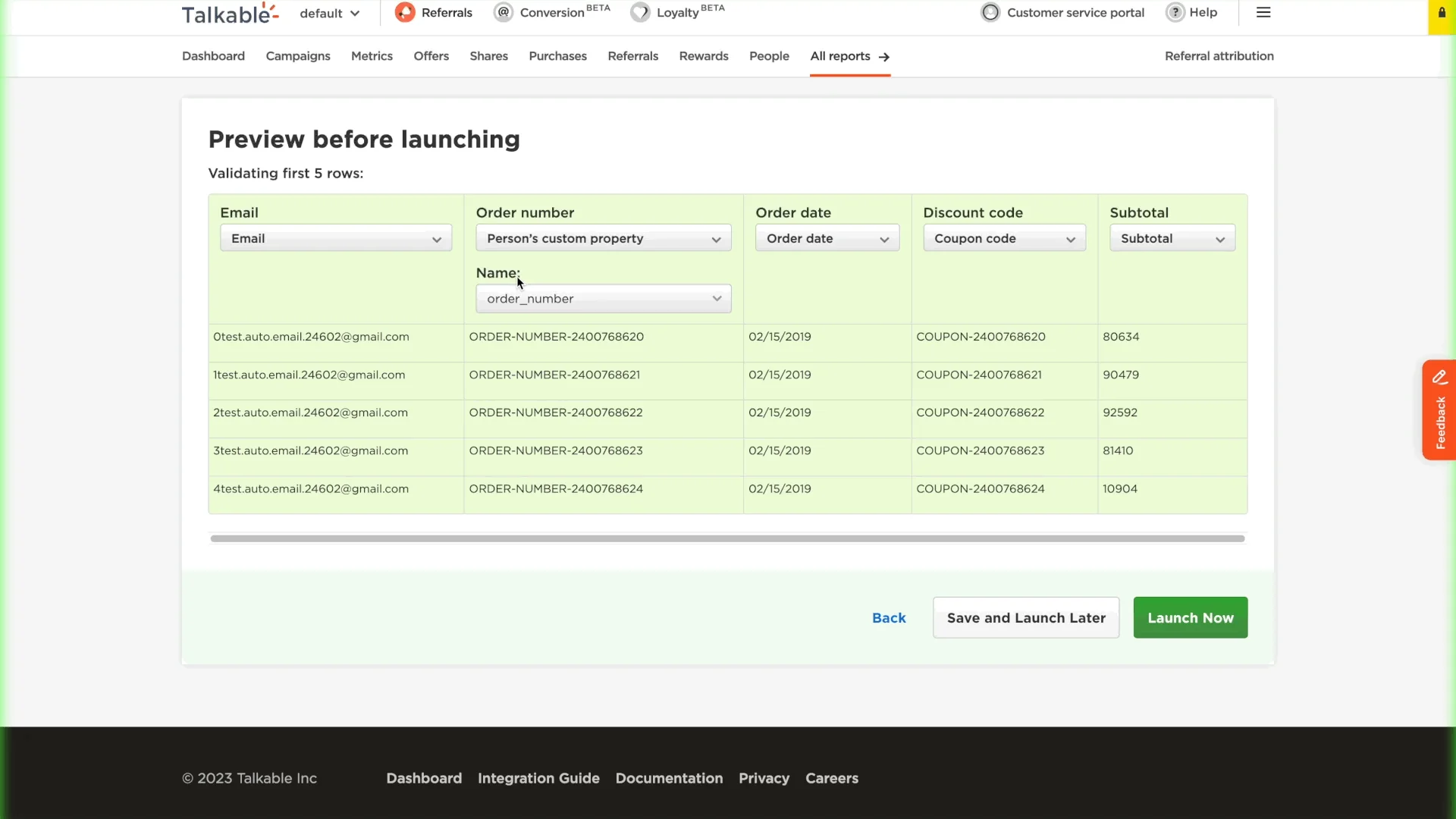
Previously, the custom property was an input field, which led to occasional user errors. We’ve replaced the input field with a selectable dropdown menu. This dropdown will show all available custom property keys, based on the custom_property_identifiers from the Site.
If you need to create a new custom property, you can simply type the title of the property in the dropdown menu and click ‘Create’.
You can also easily find the needed property – begin typing the name of the property in the dropdown menu, and matching results will automatically appear.
See How We Can Help Your Brand Grow
Learn how Talkable's referral and loyalty platform drives measurable revenue for 1000+ ecommerce brands.
Let's Talk →