


Read Talkable with your AI agent

Talkable offers agent-friendly Markdown: a simple text format for selected pages and articles. Copy this prompt into an AI agent that can open web links, then ask your question.

Talkable provides agent-friendly Markdown versions of selected website pages and articles.

Open [Talkable's llms.txt index](https://get.talkable.com/llms.txt) for website pages and section indexes. Follow the relevant section indexes to find articles by title and description. Choose only the pages relevant to my question. Follow the supplied Markdown links instead of guessing URLs. Use those pages to answer my question, and cite the original web pages linked in the Markdown.
View llms.txt

What’s New

Stay updated on the latest new features, improvements, and product updates.

< 1 min read

Report Delivery Mode

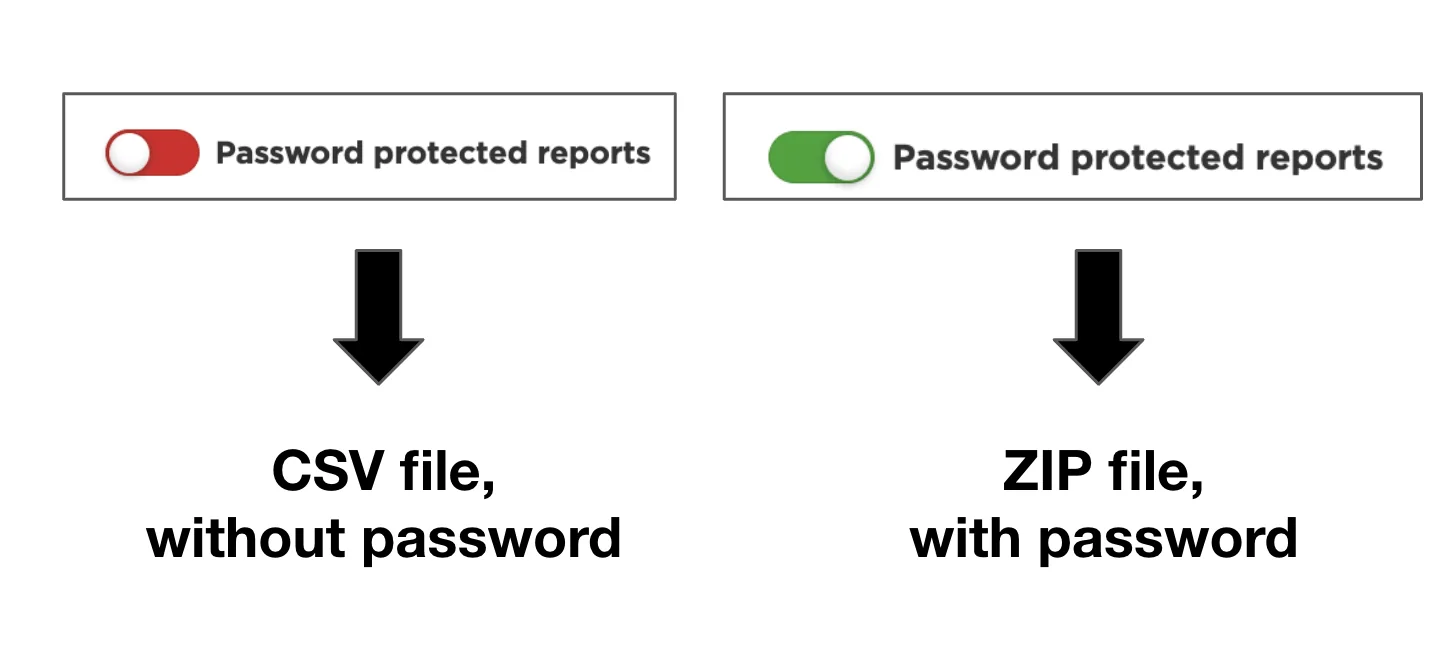
We’ve heard feedback from some of our clients about issues they faced while unzipping the reports that Talkable sends. In order to enhance user experience and simplify the process, we have implemented changes to the way we deliver reports. In the ‘All Site Settings –...

Read more

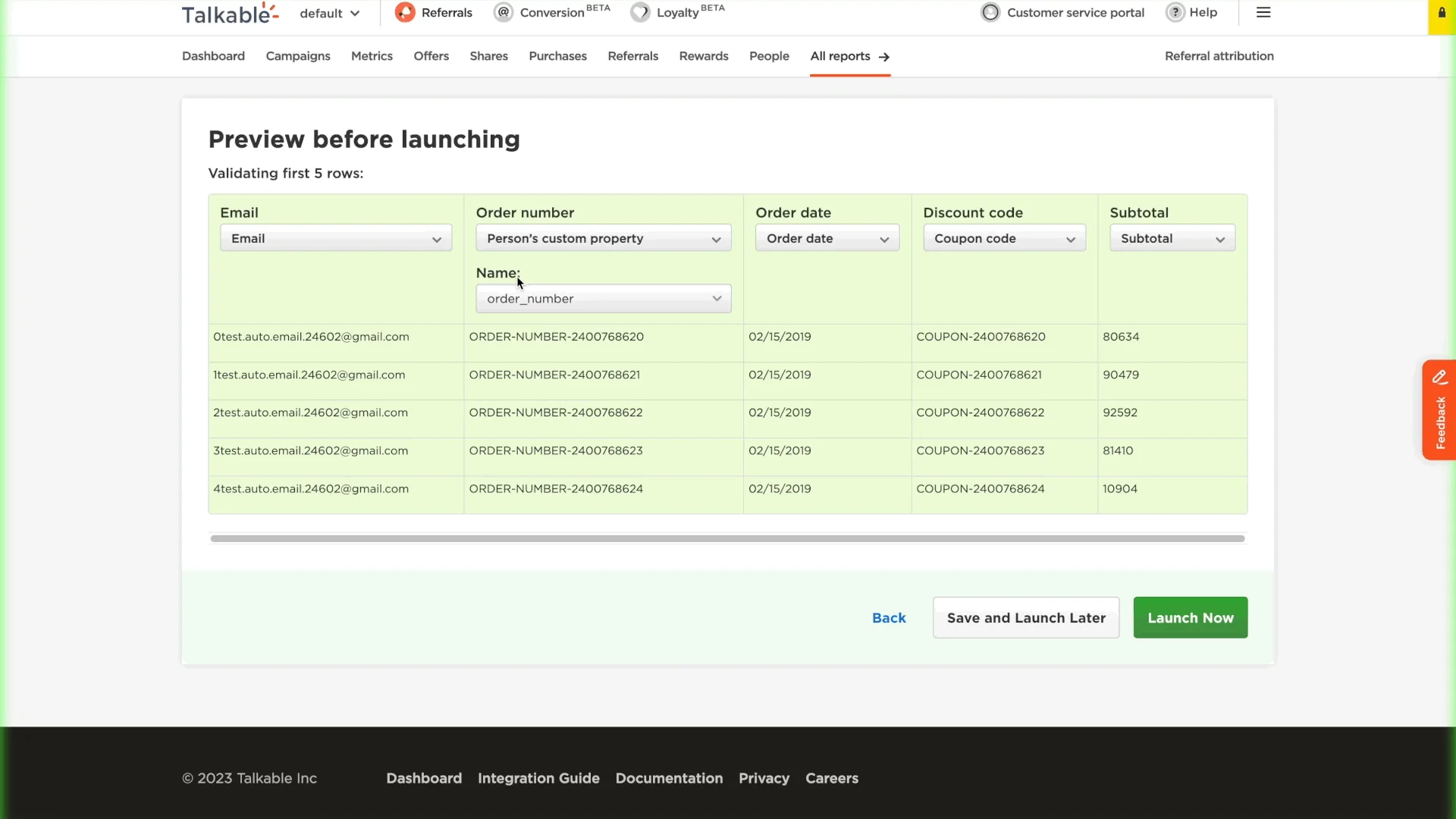
Previously, the custom property was an input field, which led to occasional user errors. We’ve replaced the input field with a selectable dropdown menu. This dropdown will show all available custom property keys, based on the custom_property_identifiers from the Site. If you nee...

Read more

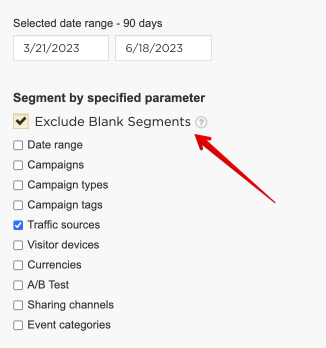
In response to client feedback requesting the ability to filter out zero values from their metric aggregation reports, we’ve introduced a new enhancement. We have now added an “Exclude Blank Segments” checkbox in the Metrics Aggregation Report (MAR). This checkbox al...

Read more

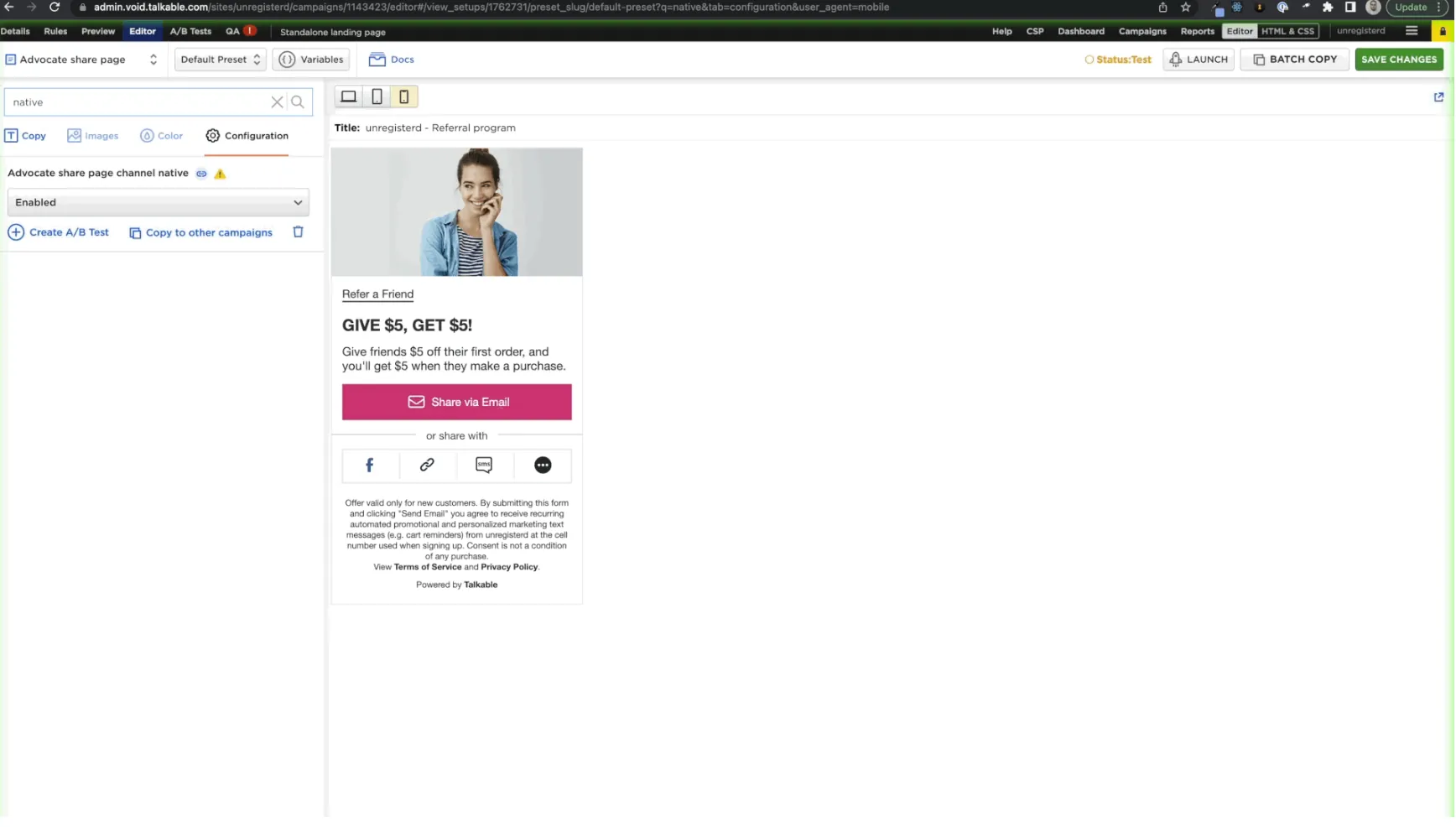
We’re excited to announce the addition of Native Sharing to our suite of social sharing channels available on Mobile Share Page. Native Sharing provides a straightforward method for customers to share referral offers directly through the apps they already have installed on their...

Read more
< 1 min read

Real-Time Display of Uploaded Emails

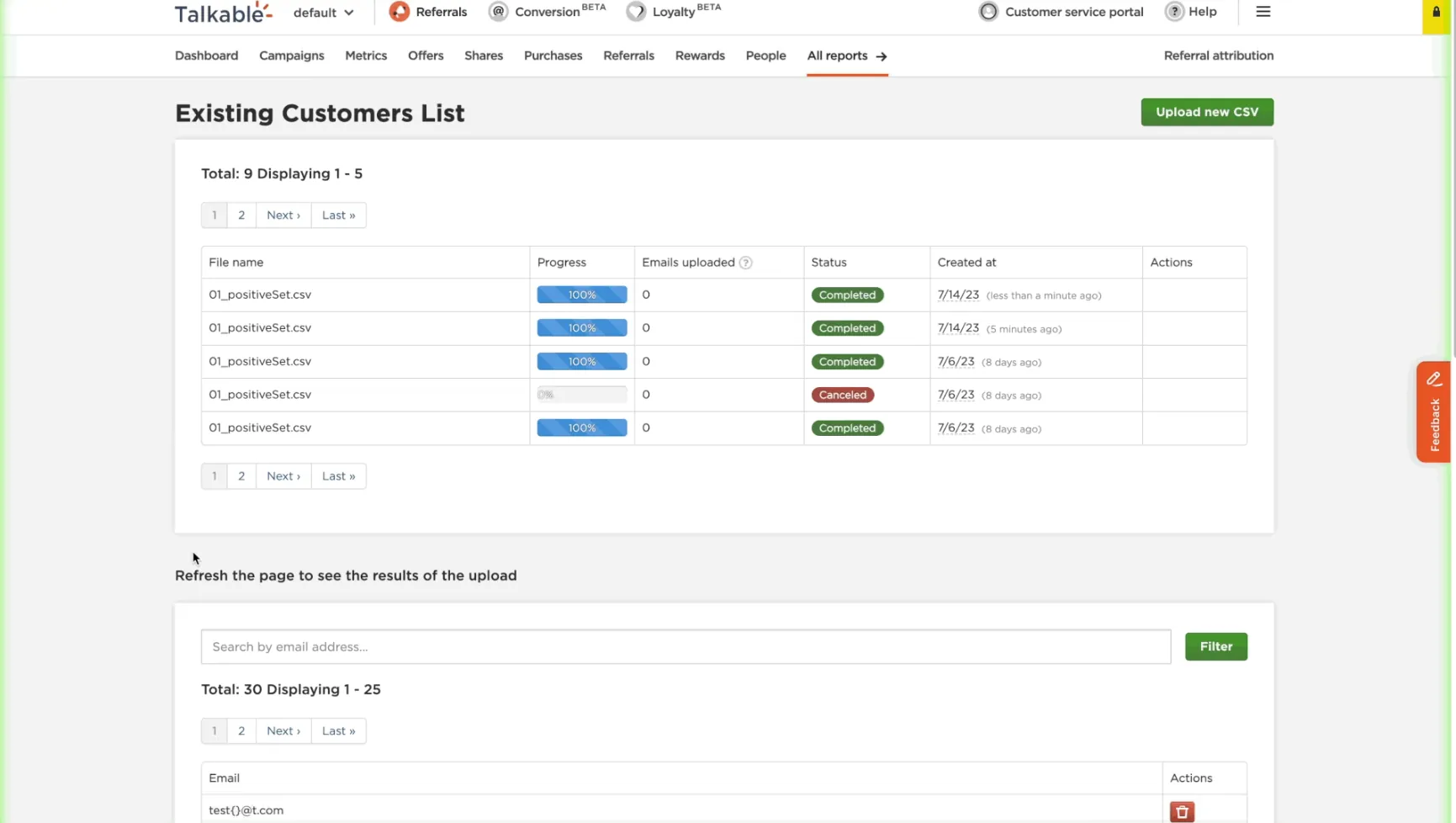
Problem: Previously, after uploading a CSV file in the ‘Purchase Upload’ section, the ‘Existing Customers Lists’ section did not automatically update with the new email entries unless the page was refreshed, which was not obvious to the users. Solution: We ha...

Read more

Showing 5 of 195 product updates. Range 146–150.

Categories

Expert Insights, Referral Trends & Growth Strategies

*One email monthly. Maximum impact. No spam.

Thank you! Your subscription has been saved.