


Read Talkable with your AI agent

Talkable offers agent-friendly Markdown: a simple text format for selected pages and articles. Copy this prompt into an AI agent that can open web links, then ask your question.

Talkable provides agent-friendly Markdown versions of selected website pages and articles.

Open [Talkable's llms.txt index](https://get.talkable.com/llms.txt) for website pages and section indexes. Follow the relevant section indexes to find articles by title and description. Choose only the pages relevant to my question. Follow the supplied Markdown links instead of guessing URLs. Use those pages to answer my question, and cite the original web pages linked in the Markdown.
View llms.txt

What’s New

Stay updated on the latest new features, improvements, and product updates.

2 min read

v11.7.3 SHOPIFY PURCHASE SYNCING

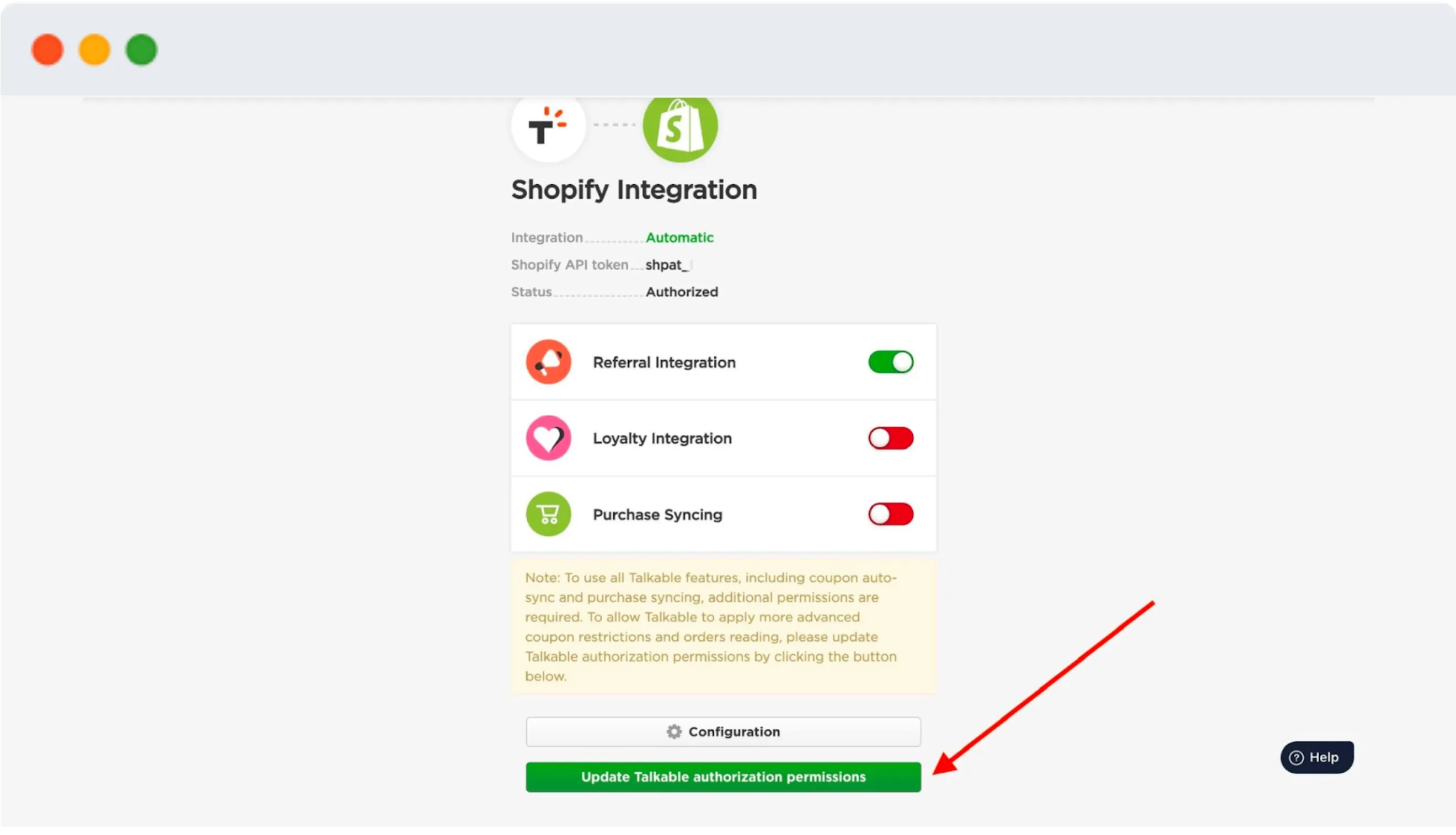
WHAT’S THAT? Purchase Syncing is a feature for Shopify customers integrated with the Talkable extension. It allows automatic purchase synchronization from Shopify instead of (or additionally to) passing purchases with Talkable JavaScript integration from a browser. WHY IT’...

Read more

WHAT’S THAT? Talkable account has several different role types: Admin Role – a user who has access to most parts of the platform. Can create users within one account and give access to the same sites they are admins. Write Role – has less access than the admin role, us...

Read more

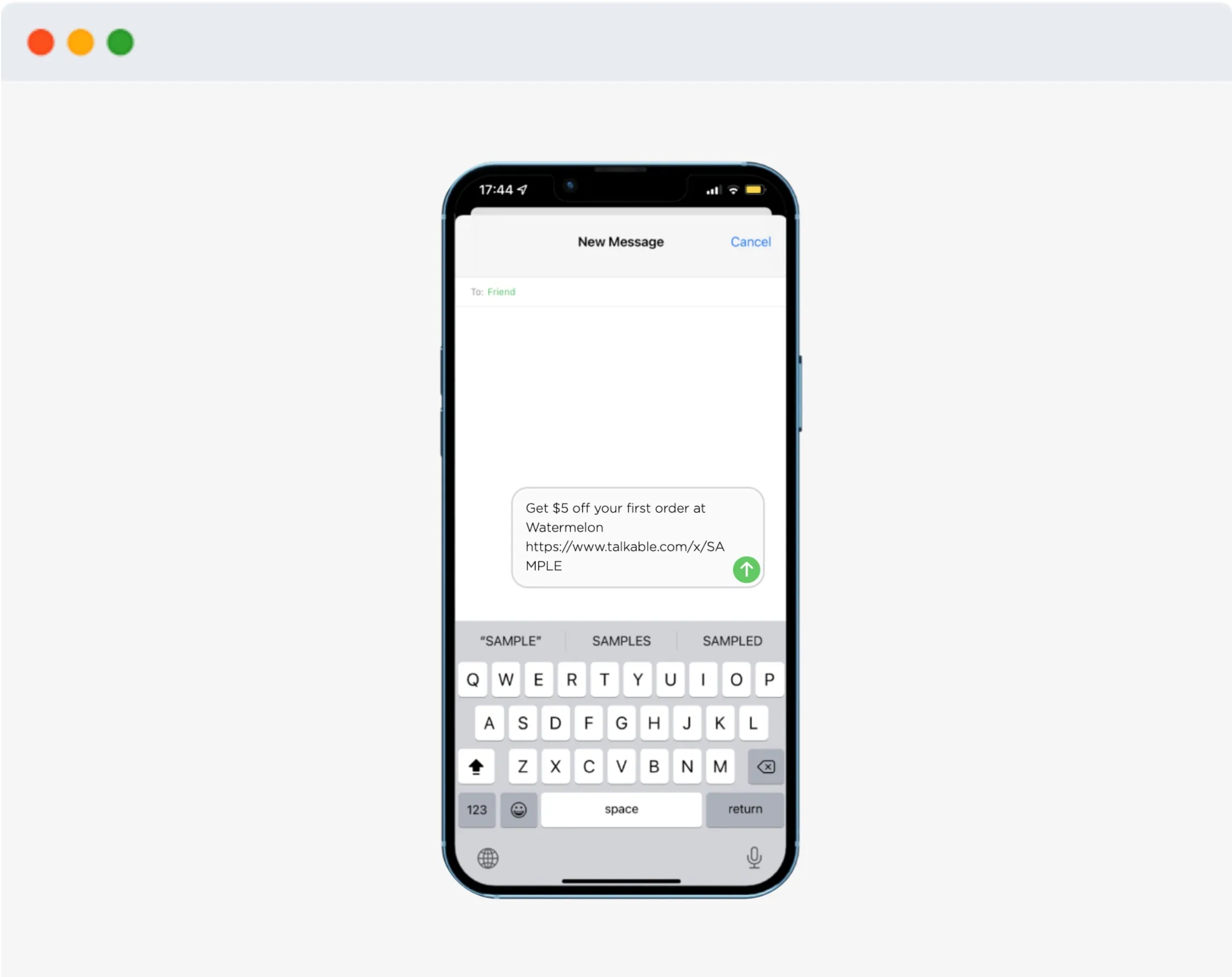
Bring more SMS subscribers to your product, send SMS opt-ins to apps & search your shoppers by phone parameter in the CSP WHAT’S NEW: Talkable now supports Phone Numbers as a requested parameter. HOW TO USE: Phone number in CSP & Reports. Now you may search by Phone num...

Read more
< 1 min read

v11.6.2 LOYALTY PROMOTION EVENT

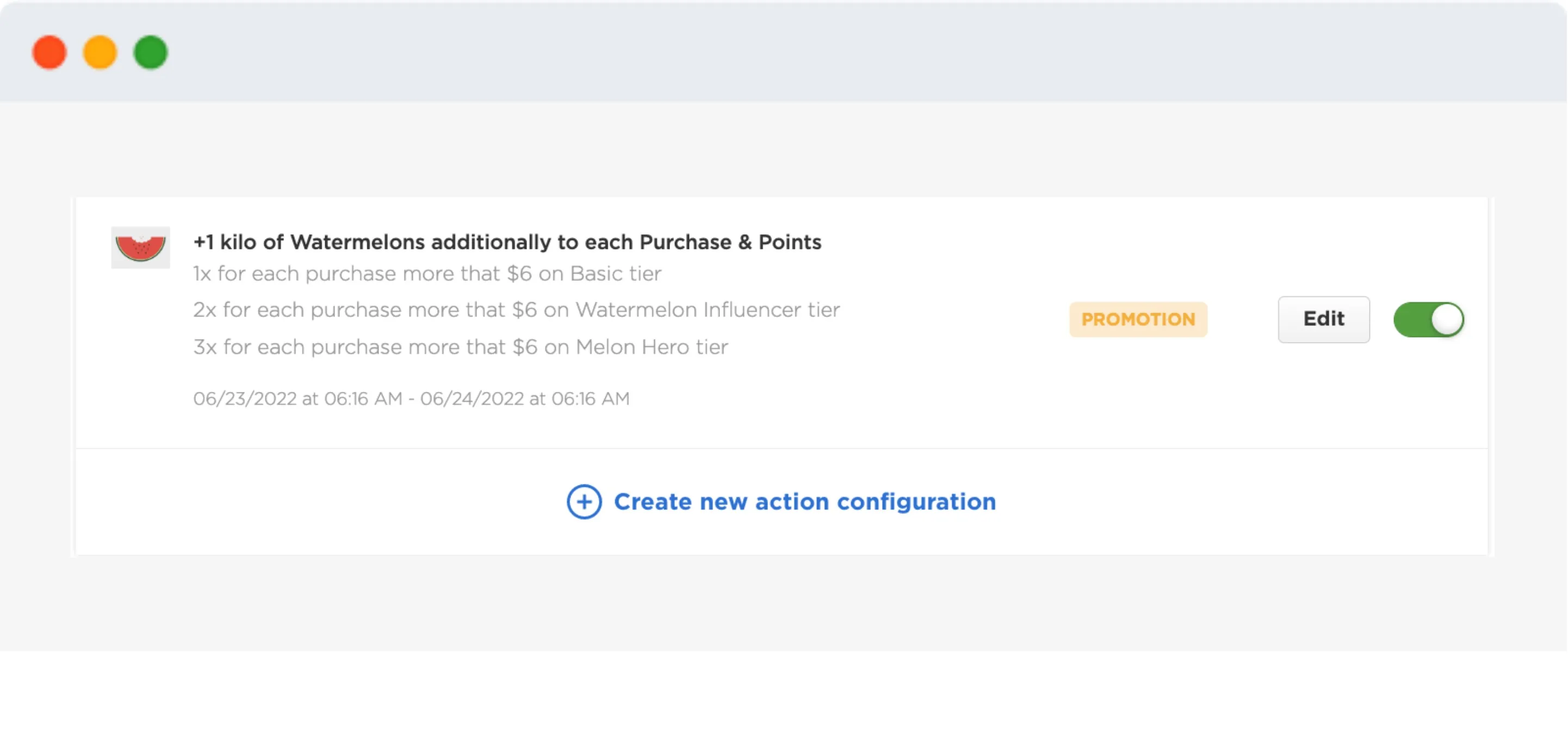
WHAT’S NEW: A new type of action in your Loyalty Campaign. A promotion event is an ongoing or scheduled event where Shoppers get the point multiplier or bonus points during a specific time for specific actions. This event is an augment to the Earn Points action. 🌼 For ex...

Read more
< 1 min read

v11.6.1 PLACEMENTS SUPPORT FOR CONVERSION

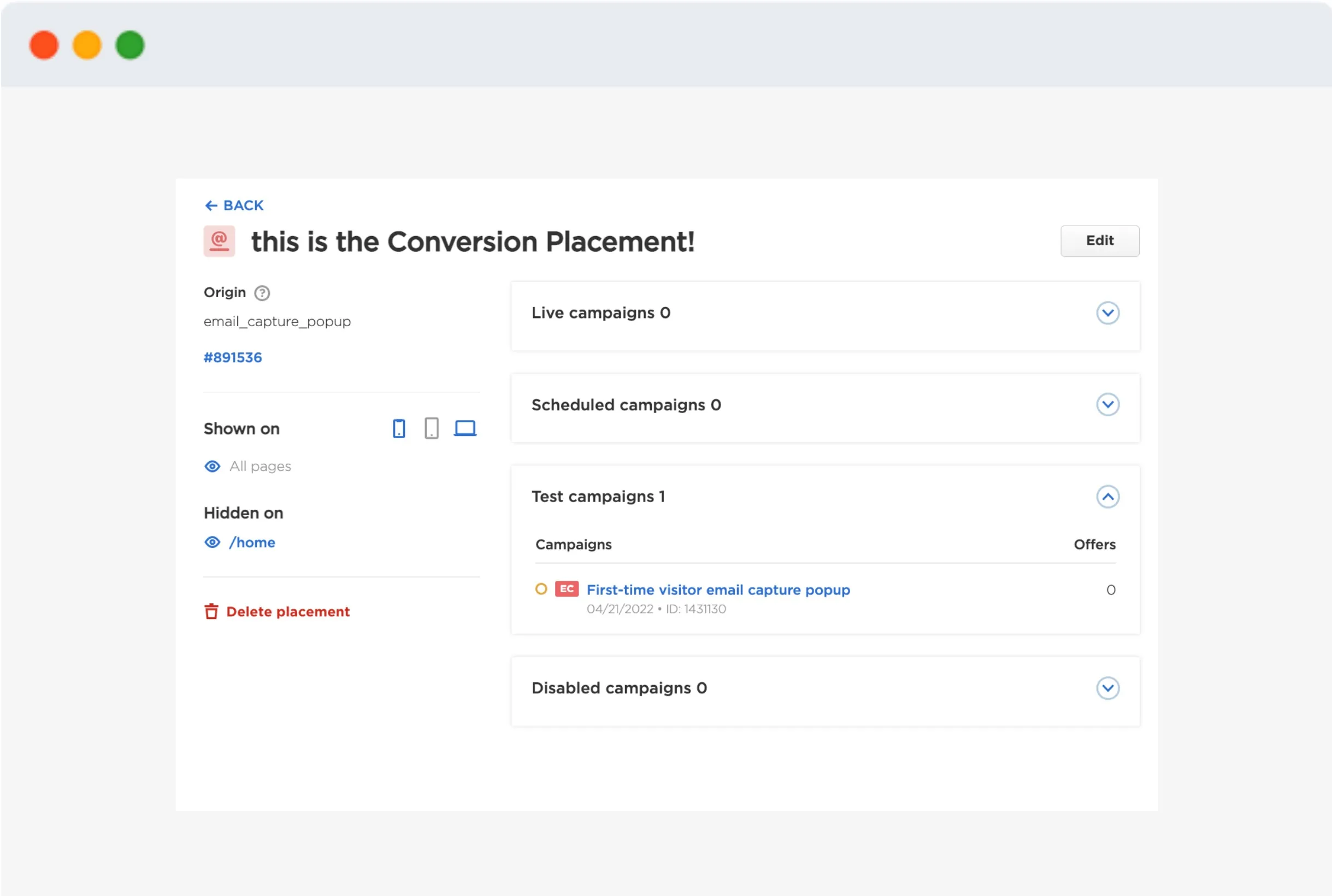
HOW TO ADD A NEW PLACEMENT: New placement can be added by pressing ‘All site settings’ -> ‘Placements’ -> ‘New Placement’ on the right top corner of the Placements page. You will proceed to the Placements creation page. If you have any Conve...

Read more

Showing 5 of 195 product updates. Range 186–190.

Categories

Expert Insights, Referral Trends & Growth Strategies

*One email monthly. Maximum impact. No spam.

Thank you! Your subscription has been saved.