

















Talkable is going
agentic.
The referral platform enterprise teams already use is getting a new agent layer. Connect your AI agents to read Talkable data, answer product questions, pull reports, check referral status, and help with customer-support work, all within the access you grant.
See how it works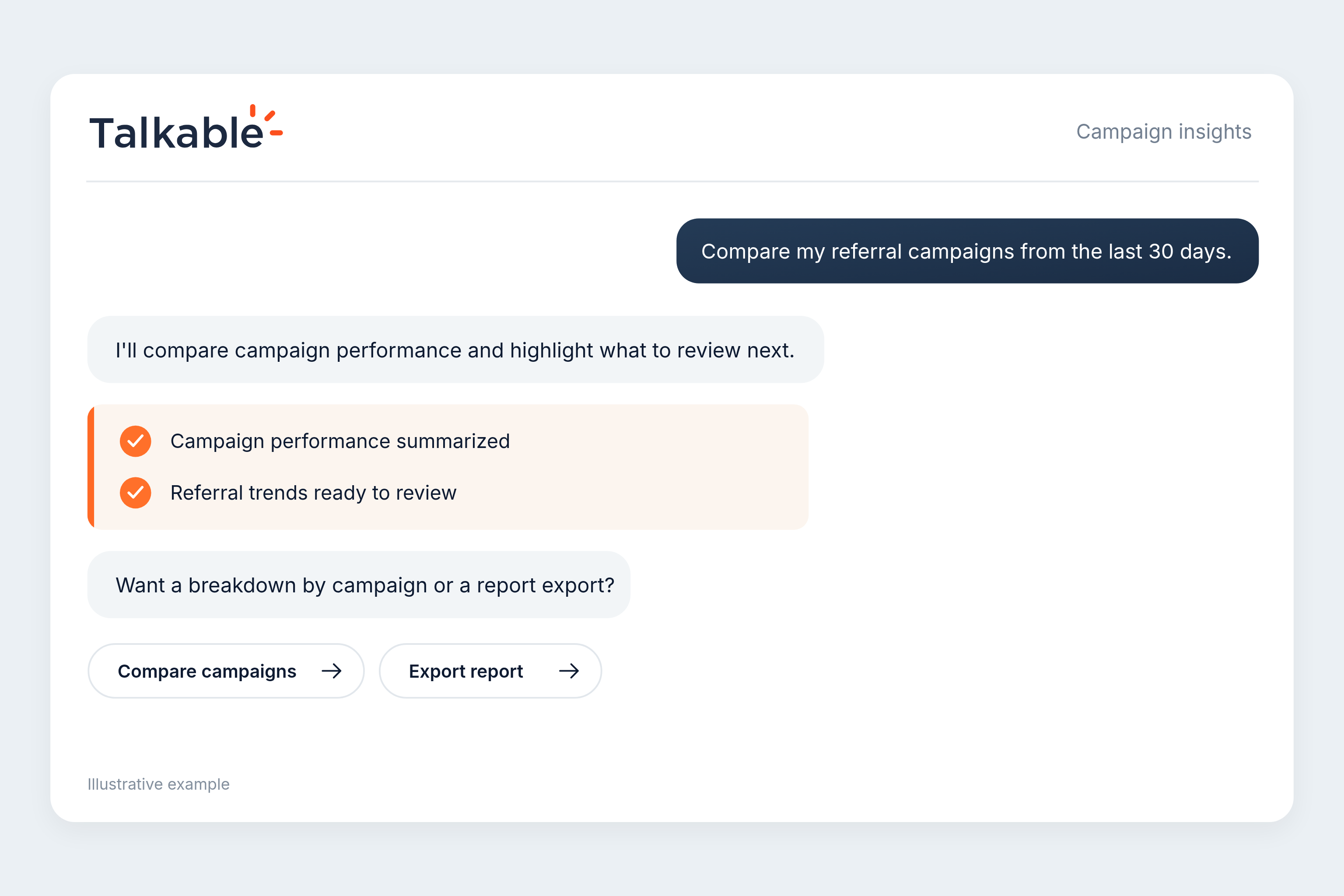
Your choice of surface.
Use the assistant in your Talkable dashboard with nothing to set up, or connect your own agent over MCP on sites where it is enabled. The same permissions and account controls follow you.
Inside Talkable.
Ask questions, understand performance, find reports, review referral activity, and get answers grounded in your setup.
Your own AI agent.
Connect Claude Code, Cursor, Codex, VS Code, or another MCP-compatible client with role-based access you control and can revoke.
Connect your agent
in three steps.
Using the assistant in your Talkable dashboard? Nothing to set up. These steps are for connecting your own agent on an enabled site.
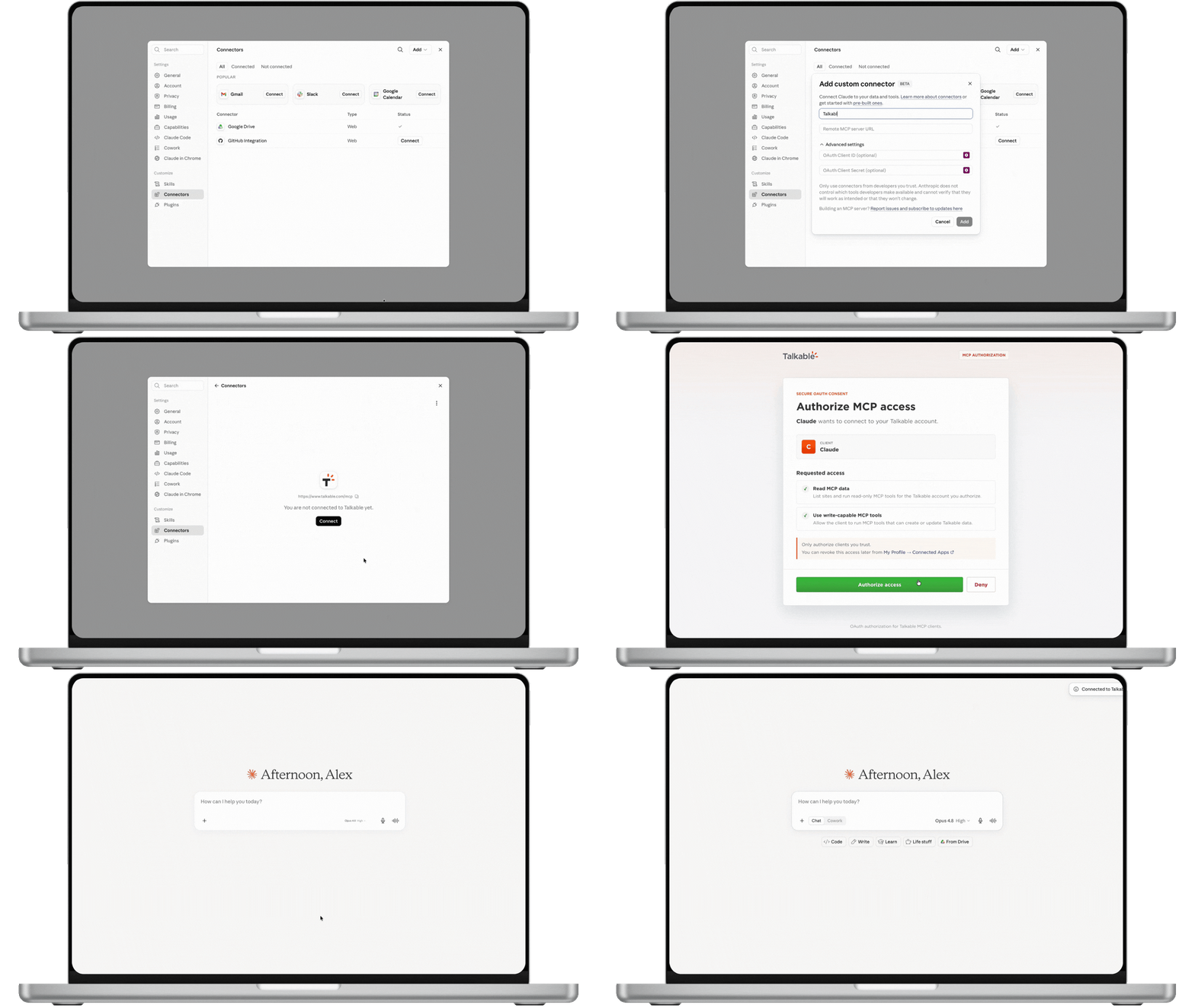
Add the Talkable MCP connector.
Add Talkable as an MCP server in Claude Code, Cursor, Codex, VS Code, or another MCP-compatible client using https://www.talkable.com/mcp.
Authorize with Talkable.
OAuth 2.1 with PKCE is recommended for interactive clients. Shared bots, background services, and CI can use personal, account, or site API keys as appropriate.
Work inside scoped permissions.
Credentials are account-bound. Every tool call names a site, and inaccessible sites are rejected. mcp:read hides write tools; writes also require mcp:write and the right Talkable role.
What agentic Talkable can do.
Capabilities depend on your credential, your role on each site, and the features enabled for that site.
Know your program.
Ask about referral revenue, campaign performance, time periods, trends, report exports, and product questions with citations.
Resolve support requests.
Look up a referral, person, or coupon; approve or void a referral; unsubscribe, resubscribe, or anonymize a person; and expire a coupon.
Build and optimize campaigns.
For enabled sites, build campaigns, incentives, placements, copy, templates and emails, images, A/B tests, coupon lists, test purchases, and launch readiness.
Build Wallet passes.
For enabled sites, design passes, create notifications, publish to installed passes, and review pass reporting.
Configure integrations.
Install, configure, activate, and test App Store integrations, and use Custom App to send campaign events to your systems.
Manage users.
Invite users, set site roles, remove access, send password resets, and manage account admins when your role allows it.
Try these requests.
Realistic ways a team, or their agent, can use the assistant as capabilities open up.
“What drove referral revenue this quarter?”
Compare campaigns, time periods, and trends, then explain what changed.
“What are our referral terms?”
Answer product and program questions from Talkable documentation and your site configuration, with citations.
“Walk me through this customer’s referral.”
Look up the person, referral, coupon, and reward status so the next support step is clear.
“Set up a refer-a-friend campaign.”
Campaign creation starts in test mode. Launch and live campaign-content changes stay a human decision.
Powerful, because it stays safe.
Letting an AI work on a revenue program only works if the controls are real.
The dashboard Assistant shows changes for review. Direct MCP writes apply immediately, so grant mcp:write only to agents that need it.
Campaign creation starts in test mode. The agent cannot launch a campaign or change live campaign content.
Every MCP call records its credential, tool, time, outcome, and source. API keys and OAuth connections can be revoked.
Talkable AI, clearly.
Talkable AI and MCP are customer-facing features enabled per site with your CSM.
What is available?
Enabled sites can use program questions, performance analysis, report exports, support workflows, product knowledge, and the capabilities available to their role and credential.
What does MCP add?
It connects your own AI client to the same Talkable AI tools, with account and site isolation, role-based permissions, scopes, and audit logging.
How do permissions work?
A read credential never sees write tools. A write credential can make immediate changes within the account, site, and role permissions it has been granted.
Where are the official MCP docs?
The full MCP docs live at docs.talkable.com/mcp_server. They cover setup, authentication, permissions, tools, and troubleshooting.
Referral marketing resources.
Guides and checklists for teams evaluating referral campaigns, audience strategy, and reward controls.
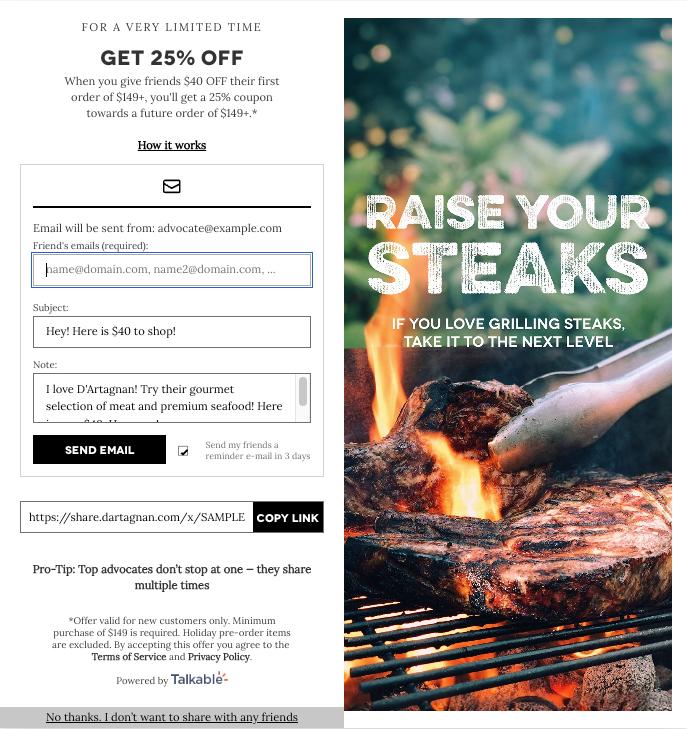
Campaign-based referral marketing guide.
Build the strategy, measurement plan, testing cadence, and campaign brief for an active referral channel.
Read the guide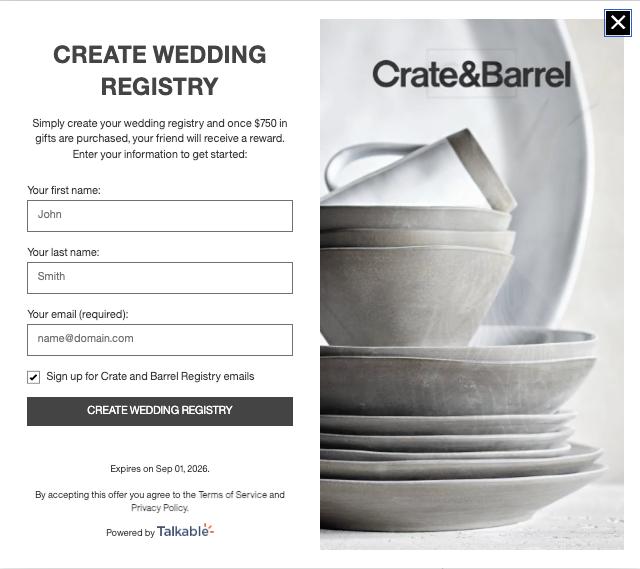
Ecommerce referral segmentation playbook.
Match referral timing, incentives, creative, and placements to lifecycle, value, loyalty, and behavior.
Read the playbook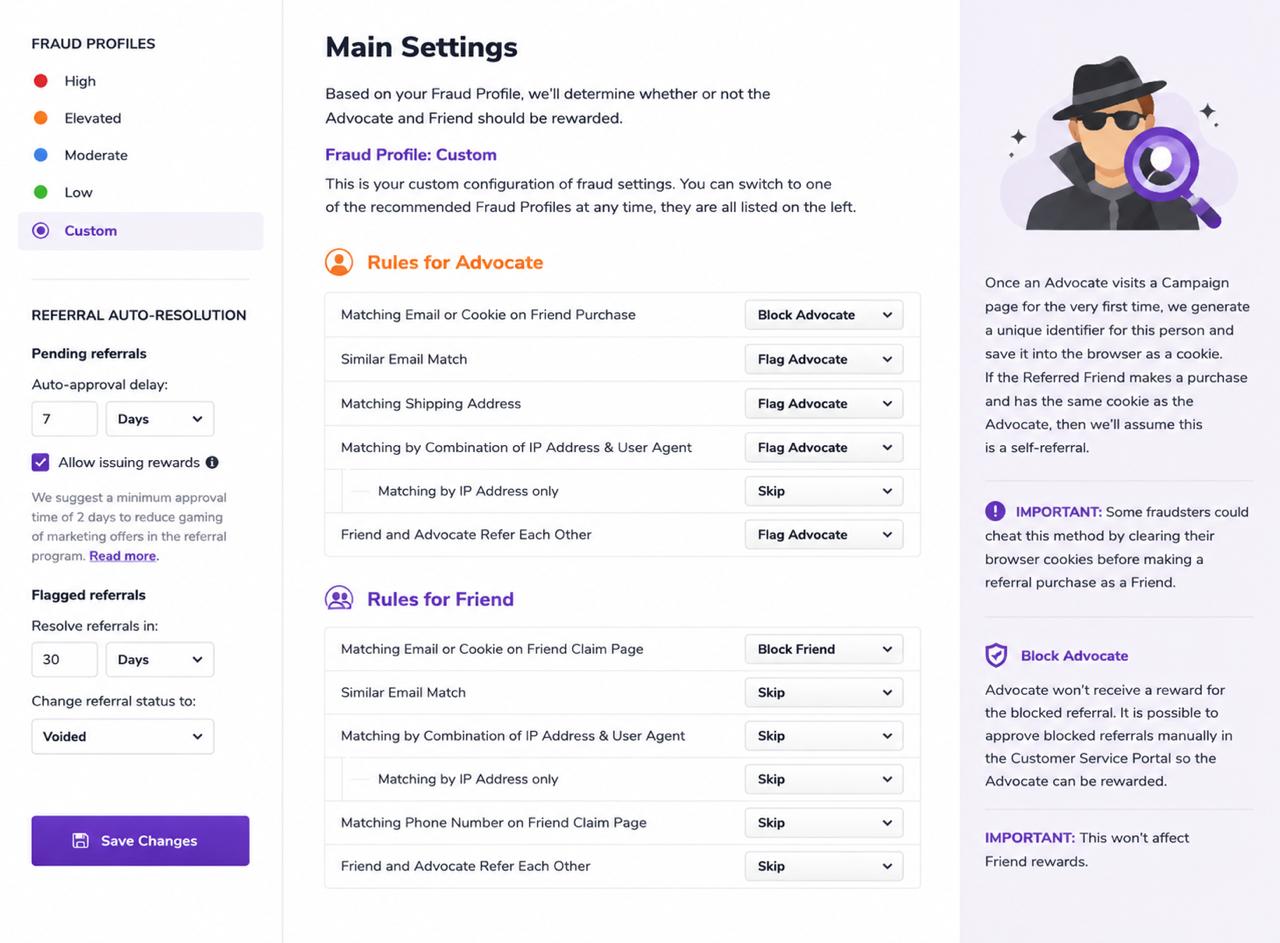
Referral fraud and reward rules checklist.
Define eligibility, attribution, reward timing, fraud review, coupon controls, support, and audit rules.
Read the checklist