

Connect Your Own AI Agent to Talkable over MCP

Product version
16.07.08Date
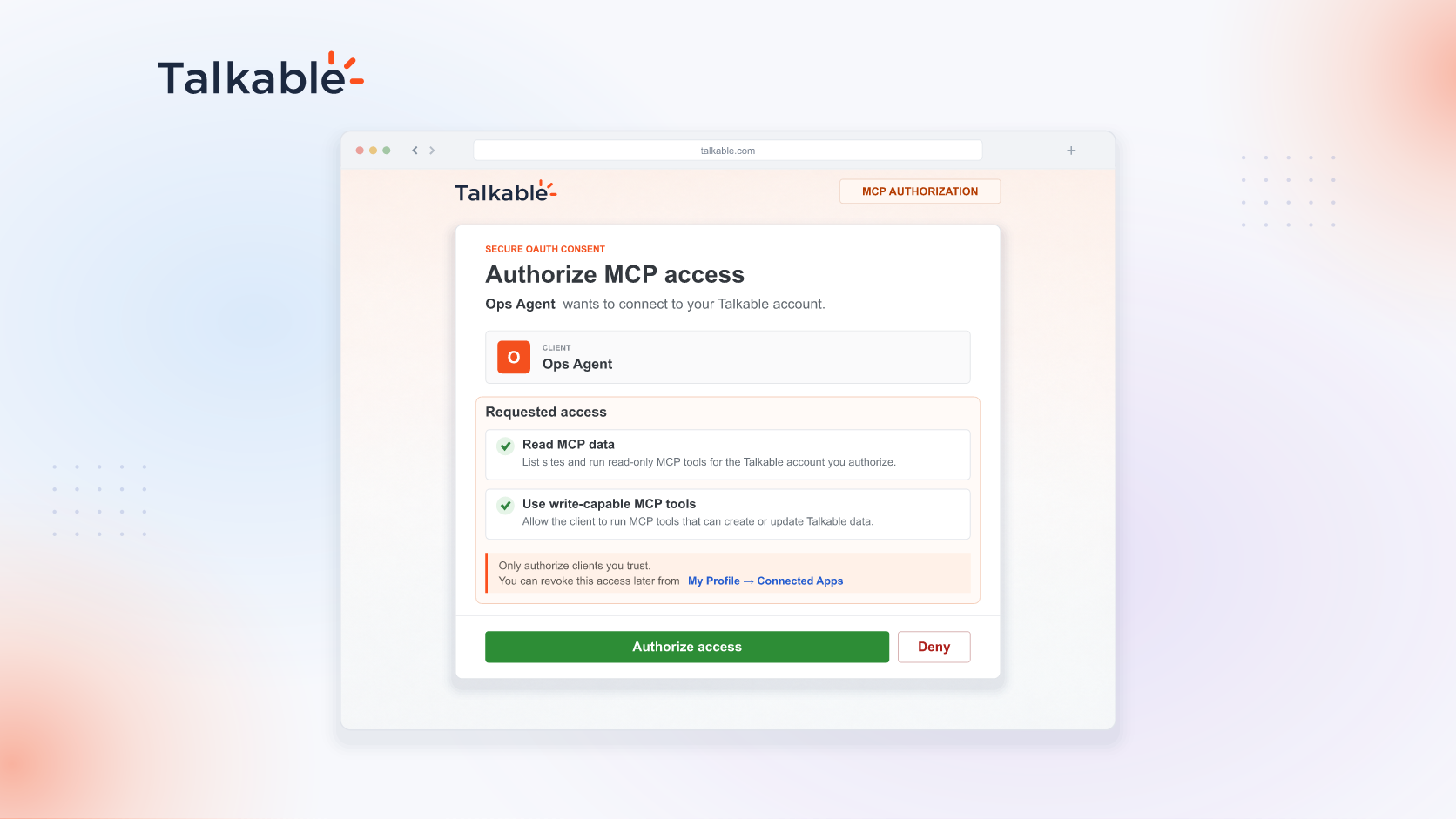
Talkable AI is the agent layer of your referral program, and with this update it works in two places: the AI Assistant in your dashboard, and your own AI agent, connected to Talkable over MCP. Both use the same tools, permissions, and controls, within the access you grant.
Many teams already run their day in an AI agent. MCP, the open standard agents use to work with business systems, brings your referral program into that agent, so it can pull your numbers and build on them in the same conversation.
Here’s how it works:
- Connect in three steps. Add
https://www.talkable.com/mcpto ChatGPT, Claude Code, Cursor, Claude, Codex, VS Code, Gemini, OpenClaw, Hermes Agent, Grok, Perplexity, or any MCP-compatible agent, then sign in with OAuth 2.1 or paste a personal, account, or site API key. - Ask what you ask the assistant. Referral revenue, campaign performance, campaign and settings details with change history, and product questions answered from Talkable’s documentation. One connection reaches every site your credential can access.
- Read, or read and write. When you sign in, you grant read or read-and-write access; when you create an API key, you pick its scope. A read-only connection never sees write tools. With write access, changes apply immediately, so grant it only to agents that need it.
- Work inside your permissions. Every call names a site, and inaccessible sites are rejected. With OAuth or a personal key, the agent does only what your Talkable role allows; account and site keys are admin-created and stay within their sites. Every call is logged, and access can be revoked.
Try: “Give me a quick health check on our referral program over the last 90 days: shares, clicks, referred orders, and referral revenue.”
Talkable AI meets your team in the dashboard and in the agent it already uses, with one set of controls that stays yours: account, role, scope, and revocation.
For setup details and permissions, see the Talkable MCP Server documentation.