

New Feature
Fill Your Brand Layer from Your Store’s Website

Taras DehtiarProduct Manager
Product version
16.10.07Date
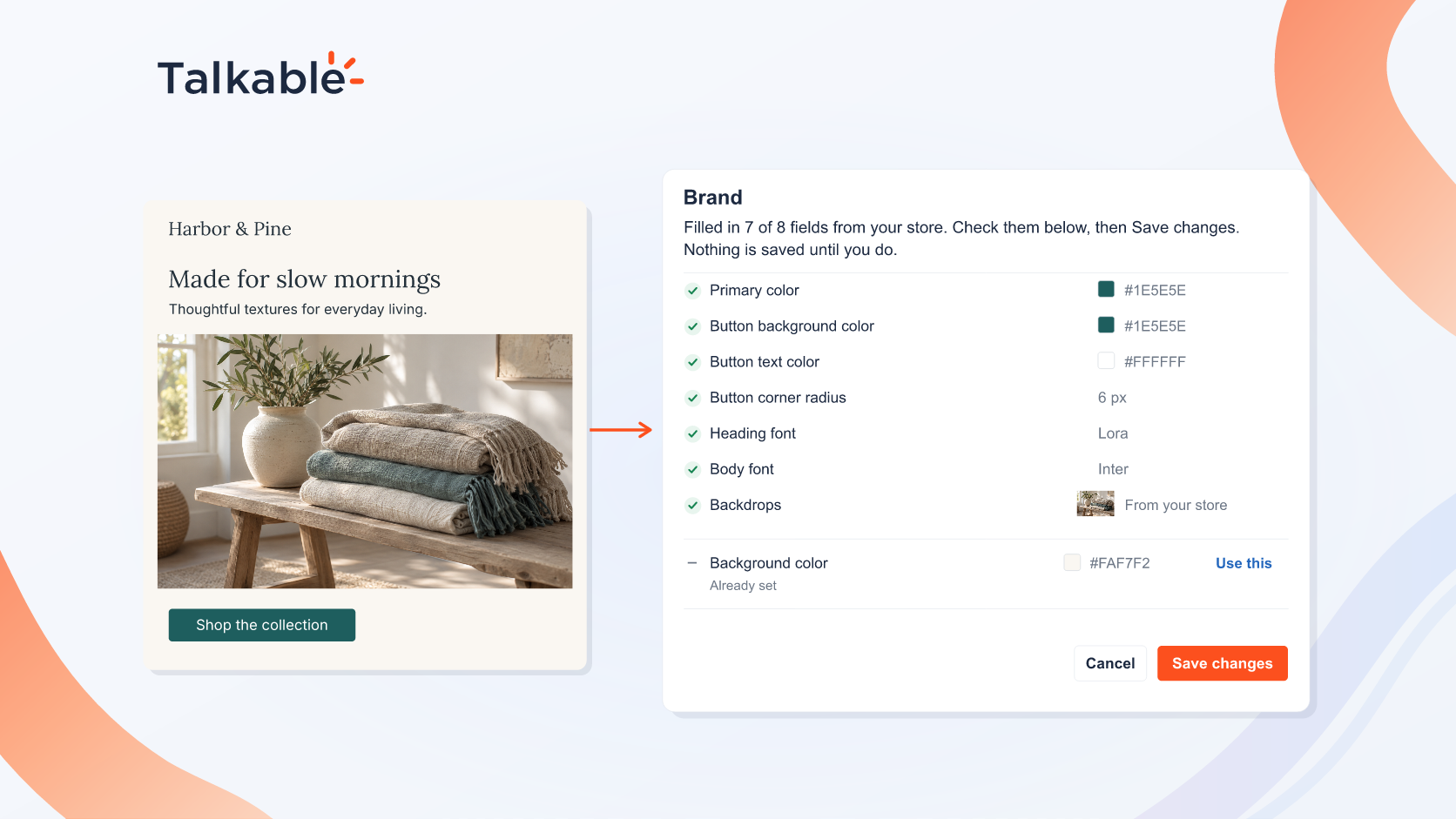
With this update, Talkable fills your brand layer from your store’s website on request. It reads your colors, button style, fonts, images, and logo from the storefront you already have, and brings the proposed brand profile back for your review before it is saved.
Your storefront already carries your brand, so your profile can start from it. Because Talkable reads the store’s web address, it works whatever platform your store runs on.
Here’s what’s new:
- Your brand profile, proposed from your store. Talkable measures your brand colors and your main button’s colors and corner radius on the live storefront, and matches your heading and body fonts to your Talkable font library, including popular Google Fonts and fonts you upload.
- Review before saving. A color, font, or button value you already set is kept, with the store’s value offered beside it.
- Colors, buttons, and fonts in new campaigns. New campaigns built from Talkable presets use the colors, button style, and fonts on their pages. Their default emails pick up the button style, and the text and link colors when they read well on white.
- Store images as campaign artwork. Large images from your store become the default artwork for share and claim pages, emails, Wallet passes, and social sharing. An image set by hand for one campaign stays.
- Your logo on Wallet passes. It becomes the icon and logo on Apple Wallet and Google Wallet passes.
With store sync, your brand layer starts from your own storefront, so new campaigns built from Talkable presets, by your team or the AI Assistant, come out in your store’s look.
For setup details, see the Talkable AI documentation.
Date